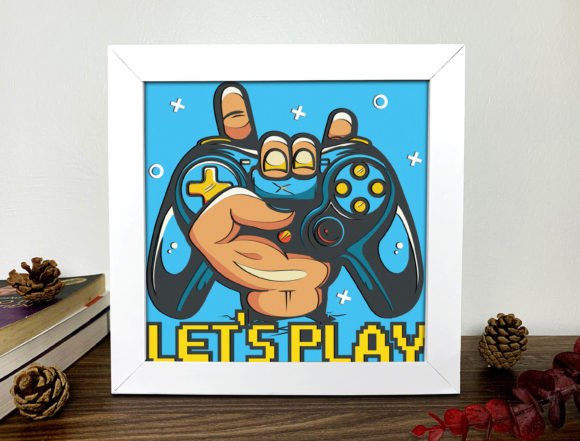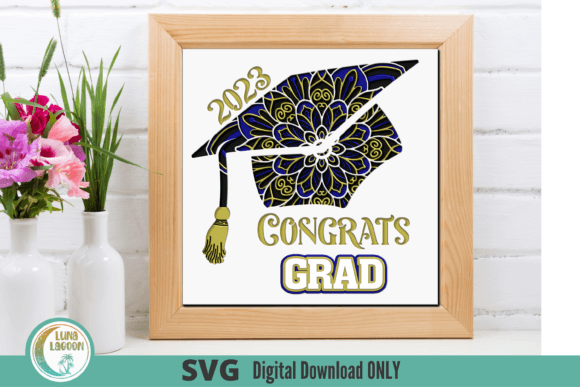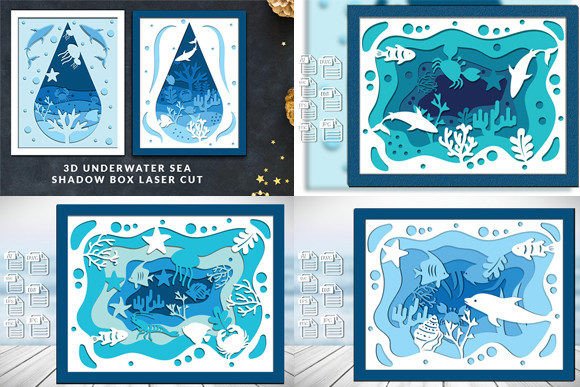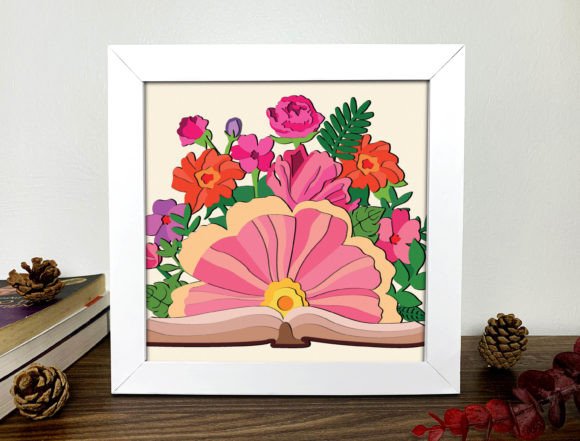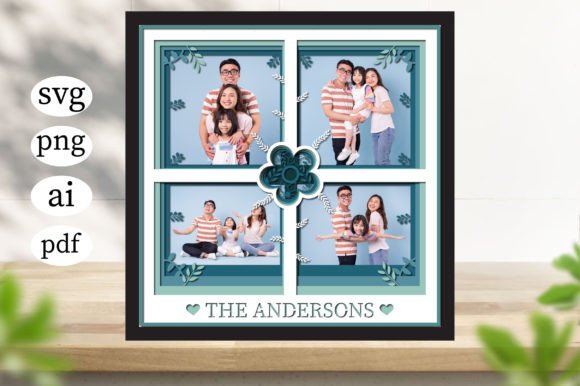
3D Family Photo Frame Gallery Shadow Box
There is something deeply satisfying about turning a digital memory into a tangible object. For years, our photos have lived in the cloud, buried under layers of folders and hashtags, or trapped on the screens of devices that eventually get replaced. The 3D Family Photo Frame Gallery Shadow Box changes that narrative. It is not just a decorative item; it is a bridge between the digital age and the physical warmth of home decor. By using this specific design template, creators and families can produce a layered, dimensional display that adds depth, texture, and a modern aesthetic to any wall.
It is crucial to clarify what you are actually getting with this product. You will not receive a shipped wooden box or a printed canvas. This is a purely digital asset package designed for immediate use by anyone with access to cutting machines (like Cricut or Silhouette) or high-quality printing services. The files provided include SVG vector formats, AI source files, PDF outlines, and high-resolution 300ppi PNG raster images. This variety ensures that whether you are a professional designer needing editable vectors or a hobbyist looking for easy-to-print templates, you have the right tool for the job.
Why Choose a Digital Template?
The shift toward digital crafting assets has transformed the DIY market. Instead of buying expensive, pre-made frames that may not fit your specific photo dimensions or style preferences, you buy the blueprint. With the 3D Family Photo Frame Gallery Shadow Box files, you gain complete control over the scale, color, and material. Because the SVG files allow for unlimited resizing without quality loss, you can adapt the frame to fit a small child’s portrait or a wide panoramic family shot with equal ease.
This flexibility is where the real value lies. A physical store-bought frame is static. Your digital template is dynamic. You can print it on cardstock for a quick weekend project, cut it from vinyl for a sleek modern look, or even use the AI file to integrate it into a larger graphic design project for a client. The 300ppi PNG files ensure that if you choose to outsource the printing to a local shop or an online service like Vistaprint, the output will be crisp, clear, and professional-grade.
Real-World Applications and Use Cases
Understanding how to use these files requires looking at them through the lens of different lifestyles. Here is how various groups might utilize the 3D Family Photo Frame Gallery Shadow Box in their daily lives.
For Parents and Grandparents: Preserving Milestones
One of the most poignant uses for this shadow box is capturing life’s fleeting moments. Imagine creating a "First Year" gallery for a newborn. By printing the shadow box layers on thick, textured paper and inserting photos of baby feet, hospital bracelets, and first smiles, you create a keepsake that feels substantial. The 3D effect adds a tactile element that flat photos lack, making it a centerpiece on a nursery shelf or a parent’s desk. Similarly, grandparents often struggle with digital clutter. Providing them with a beautifully crafted, large-format shadow box filled with recent grandchild photos is a gift that respects their desire for physical connection.
For Content Creators and Bloggers: Visual Storytelling
If you run a lifestyle blog, a parenting website, or a social media channel focused on home decor, visual authenticity is key. Stock photos of generic frames feel sterile. Creating your own custom shadow boxes using these templates allows you to generate unique, authentic imagery for your content. You can demonstrate the assembly process, show off the layering technique, and provide genuine tutorials. The availability of the AI and SVG files means you can tweak the design slightly to match your brand’s color palette, ensuring consistency across your platform while maintaining originality.
For Small Business Owners: Custom Gifting Services
Entrepreneurs in the wedding, event planning, or personalized gifting space can leverage these files to offer premium products. Consider a boutique that specializes in anniversary gifts. Offering a customizable 3D shadow box allows customers to upload their own wedding photos, which you then print and assemble. Because you own the digital rights to the template, you can scale this operation efficiently. You can also bundle these frames with other digital or physical products, such as custom invitation suites or party decor, creating a cohesive product line that stands out in a crowded market.
For Educators and Therapists: Emotional Expression Tools
In educational and therapeutic settings, visual aids are powerful tools. A counselor or teacher might use the concept of the shadow box to help students or clients organize their thoughts or memories. The act of physically selecting photos and placing them into the layered frame can be a grounding exercise. It encourages reflection on personal history and relationships. The sturdy nature of the final product gives it weight and importance, signaling to the user that these memories are worth preserving and displaying.
Technical Advantages and File Formats Explained
The strength of this digital download lies in its technical versatility. Let’s break down why having four distinct file formats matters for your workflow.
- SVG Vector Files: These are essential for anyone using cutting machines. The paths are clean and scalable, meaning you can cut a tiny sticker version or a massive wall mural without pixelation. If you plan to use vinyl, cardstock, or wood, this is your primary format.
- PNG Raster Files (300ppi): High resolution is non-negotiable for printing. If you don’t have a cutting machine but want to print directly onto paper or canvas, these PNGs ensure sharp edges and vibrant colors. They are ready to drag, drop, and print.
- AI Source Files: For designers, the ability to open the file in Adobe Illustrator is invaluable. You can edit text, change shapes, adjust colors, and combine elements with other designs. This turns a simple frame template into a bespoke design asset.
- PDF: Often overlooked, PDFs are excellent for sharing with printers who may not have specialized design software. They preserve layout integrity and are universally compatible.
What to Consider Before You Start
While the 3D Family Photo Frame Gallery Shadow Box is versatile, success depends on preparation. First, consider your materials. The 3D effect relies on spacing. If you use thin paper, the layers may collapse together, losing the depth. Thick cardstock, foam board, or even acrylic sheets work best to maintain the structural integrity of the shadow box. Experiment with different thicknesses to find the right balance between stability and visual lightness.
Second, think about your photo selection. Not all images translate well to a framed composition. High-contrast images with clear subjects tend to pop more against the layered background. Avoid overly busy backgrounds in your photos, as they can clash with the intricate details of the frame design. When assembling, leave enough white space around the subject of the photo to let it breathe within the frame.
Finally, remember that this is a creative process. Don’t feel pressured to make it perfect on the first try. Use the digital files to test layouts virtually before committing to expensive materials. The beauty of owning the AI and SVG files is that you can iterate endlessly until the design feels just right. Whether you are making one heartfelt gift for a loved one or producing dozens for your business, the 3D Family Photo Frame Gallery Shadow Box offers a flexible, high-quality foundation for bringing your digital memories into the physical world.